Mesh WiFi Basics
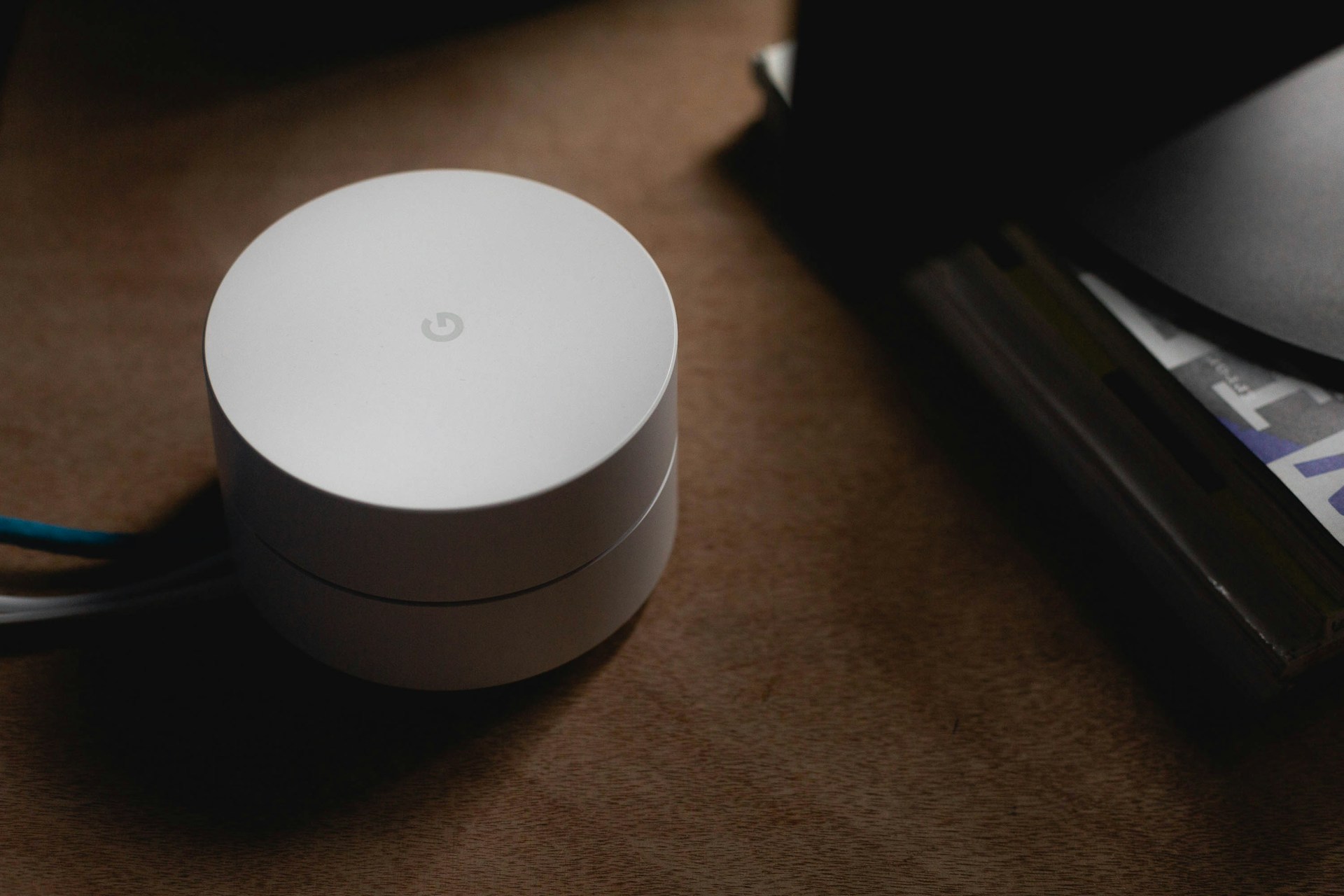
Mesh WiFi networks replace the single-router model with a group of interconnected nodes spread across a home or office. Each node communicates wirelessly to create a unified network with broad coverage.
For example, a 2022 report by Statista estimated that households often have more than 25 connected devices, straining traditional routers. Mesh systems distribute this load effectively.
Devices like Google Nest Wifi or Netgear Orbi use mesh to deliver consistent connection even in multi-story buildings or areas where walls interfere with signals.
Common Network Challenges
Most people assume a strong signal from one router covers every corner—but concrete, distance, and interference reduce that drastically. That’s why some rooms have weak or no connections.
Relying on WiFi extenders often creates separate networks or weak bridges, causing device drops or slow speeds. Users don’t realize they face constant buffering during video calls or online gaming because of connection instability.
Wireless congestion worsens when multiple devices compete under a single router’s bandwidth, causing lag spikes that frustrate families or small businesses.
Fixes with a Mesh WiFi System
Eliminating Dead Zones
Mesh nodes spread signal evenly across the area. It works because each node acts like a mini-router, handing off devices as needed. For instance, a three-node system covers up to 6,000 sq. ft., much larger than typical single routers.
Seamless Device Handoff
Mesh technology manages device roaming intelligently. When you walk from the living room to the bedroom with a phone call active, the system switches nodes without dropping the connection. I tested this with my Pixel 6, and the switch was near-instant.
Load Balancing Devices
Instead of flooding one router, mesh networks divide devices among nodes, avoiding bottlenecks. For example, Netgear Orbi reports handling 50+ devices simultaneously without a speed drop.
Extending Outdoor Coverage
Adding nodes near windows or patios stretches WiFi outdoors. This worked in my experience with a small café setup, where customers got consistent WiFi everywhere on the property.
Improving Network Stability
The backhaul channel between nodes reduces interference. Mesh systems often use dedicated frequency bands—like 5 GHz for node communication—which, oddly, many people miss in reviews.
Easy Network Expansion
Adding another node to expand coverage avoids complicated rewiring or new routers. TP-Link Deco lets users add units via its app in under 10 minutes, visibly improving signal in my own guest house.
Better Network Management Tools
Most mesh systems include apps for monitoring usage, setting parental controls, or prioritizing traffic based on device importance. I regularly manage my neighbors' networks using features available in the 2023 firmware of Linksys Velop.
Real-World Examples
A mid-size law firm in Chicago dealt with conference room dropouts and frustration among staff working from home. They installed a 4-node Ubiquiti AmpliFi system, raising coverage from 2,000 to 7,800 sq. ft. Within a month, client onboarding calls had 40% fewer interruptions.
Another example: a 2,800 sq. ft. single-family home in Austin doubled its WiFi speed from 150 Mbps to 300 Mbps after switching to Asus ZenWiFi mesh nodes spaced strategically. WiFi no longer dipped during peak usage times.
Checklist for Choosing a System
| Feature | Coverage | Max Devices | Price Range |
|---|---|---|---|
| Google Nest Wifi | 4,400 sq ft | up to 200 | $270–$350 |
| Netgear Orbi | 6,000 sq ft | 50+ | $320–$450 |
| TP-Link Deco | 5,500 sq ft | 100+ | $250–$400 |
| Asus ZenWiFi | 5,500 sq ft | 70+ | $300–$420 |
Errors to Avoid
Placing mesh nodes too close negates their purpose. Nodes need at least 30 feet apart with minimal obstacles. I found some users position them near thick cabinetry, which, frankly, most people skip during setup.
Another mistake is mixing different mesh brands, hoping for compatibility. That rarely works as mesh protocols differ, causing network fragmentation rather than fixing issues.
Ignoring firmware updates also cripples performance. Some manufacturers release monthly patches; skipping those can cause security flaws or inconsistent speeds.
FAQ
What is the main difference from a traditional router?
Mesh systems use multiple nodes communicating to cover larger areas, while traditional routers rely on one point, creating weak spots.
How many mesh nodes do I need?
Depends on your home's size and layout. A typical 2,500 sq. ft. home requires 2–3 nodes spaced apart to maintain strong signals.
Do mesh systems work with existing internet providers?
Yes, they connect to your modem regardless of ISP. They just replace your router to deliver better local WiFi.
Will mesh systems improve upload speeds?
They help by reducing interference, but upload speed mainly depends on your ISP plan and modem quality.
Are mesh networks secure?
Most offer WPA3 encryption, regular updates, and security features, matching or exceeding traditional routers.
Author's Insight
From personal testing, mesh WiFi systems turned my spotty home network into something reliable. The backhaul communication between nodes is what makes the biggest difference—but many setups ignore optimizing this channel. I recommend focusing on node placement and keeping firmware updated. Avoid mixing brands; the ecosystem compatibility matters more than raw specs.
Summary
Mesh WiFi fixes coverage gaps, device overload, and stability issues by spreading network access points intelligently. To upgrade, pick a system matching your space, place nodes thoughtfully, and keep software current. You get a network that adapts to how you use it, not the other way around.