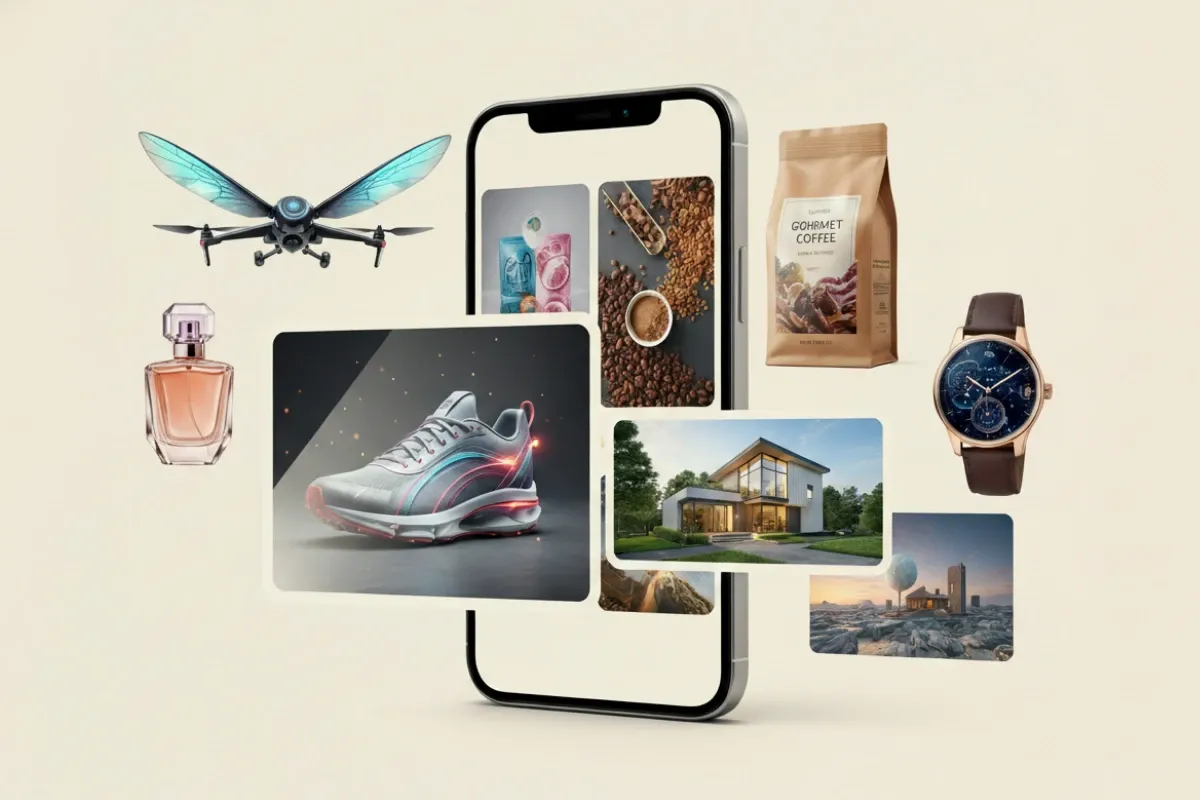
The Image Shift Begins
Text-to-image tools moved from niche experiments to daily creative work. Midjourney, OpenAI’s DALL·E, Stable Diffusion, and Adobe Firefly now generate commercial-grade visuals from short prompts in under 20 seconds.
A marketing team can produce 30 ad concepts in one afternoon. Five years ago, that took a studio and a week. Not anymore.
Conclusion first: speed changed everything. Because iteration cycles collapsed from days to minutes.
The shift is not only technical. It is behavioral. People now think in prompts before thinking in sketches. That rewiring is subtle, almost invisible...
Some teams already replaced early-stage illustration work with prompt drafts. A laptop and a sentence replace the sketchbook.
Quiet disruption. Still accelerating.
What Goes Wrong
Most users expect perfect images from vague prompts. That expectation breaks fast.
A prompt like “futuristic city at night” produces randomness, not intent. The model fills gaps you never specified. Lighting, angle, mood — all guessed.
Conclusion first: bad prompts waste time. Because models only expand detail, they do not invent your intent.
Another issue sits in consistency. You generate one good image, then fail to recreate it. Same words, different output. Slight changes in seed values or phrasing shift everything.
Teams relying on repeatable branding struggle here. Logos drift. Characters change faces. Campaigns lose coherence across 10 outputs.
And then there is style confusion...
Prompt Craft Basics
Start With Subject First
Define the object before describing the scene. “A red bicycle” gives stronger control than “a street with a red bicycle somewhere.”
Models prioritize nouns. Everything else follows.
Small shift. Big difference.
Add Physical Detail Layers
Materials matter. Words like “matte metal,” “wet asphalt,” or “folded paper texture” guide rendering engines more than emotional descriptors.
A chair is not enough. A worn wooden chair with scratches changes the output completely.
Precision builds structure.
Control The Camera View
Angles shape perception. “Top-down view,” “close-up portrait,” or “wide-angle street shot” alters composition immediately.
Skip the camera language, lose control of framing. Simple.
Conclusion first: perspective defines meaning. Because the same object looks different from each angle.
Limit Style Conflicts
Mixing “photorealistic” with “anime watercolor oil painting” confuses generation pipelines. Outputs average out instead of sharpening.
Choose one direction per prompt cycle.
Less noise, cleaner visuals.
Use Negative Prompts
Tools like Stable Diffusion allow exclusions: “no blur,” “no extra limbs,” “no text overlays.” These filters reduce unwanted artifacts.
Without constraints, models overproduce detail.
Conclusion first: removal improves clarity. Because absence defines structure.
Iterate In Small Steps
Change one variable at a time. If lighting improves but composition breaks, you know where the shift happened.
Midjourney users often run 10–15 iterations per concept before selecting a final output.
Slow edits create control.
Tools And Workflows
Different platforms behave differently. Midjourney leans toward stylized outputs. DALL·E produces cleaner conceptual images. Adobe Firefly integrates directly into Photoshop workflows.
Stable Diffusion allows local control, which means full customization but higher setup cost. Canva simplifies prompt-to-design for social media templates.
Teams rarely stick to one tool. They mix three or more depending on output needs.
That combination matters.
Some studios now build “prompt libraries.” These are reusable text blocks tested across campaigns. One brand might store 200 validated prompt structures for consistency.
It sounds organized. It is still messy in practice...
Comparison Table View
| Tool | Style | Speed | Use Case |
|---|---|---|---|
| Midjourney | Artistic | Fast | Concept Art |
| DALL·E | Clean | Fast | Marketing |
| Firefly | Commercial | Medium | Design |
| Stable Diffusion | Flexible | Varies | Advanced Work |
Common Prompt Mistakes
Most failures come from vague direction. “Make it cool” means nothing to a model trained on patterns, not opinions.
Another mistake is stacking too many ideas in one prompt. A cyberpunk forest with medieval knights and corporate branding produces diluted outputs.
Break concepts apart.
Conclusion first: simplicity wins outputs. Because models respond better to structure than chaos.
Ignoring aspect ratios also causes frustration. A square prompt behaves differently than a cinematic 16:9 frame. Many users forget this setting entirely.
Finally, over-editing leads to degradation. After 20 prompt tweaks, coherence often drops instead of improving.
Stop earlier than you think.
FAQ
Are AI image generators free to use?
Some tools like Stable Diffusion offer free versions, while Midjourney and Adobe Firefly use subscription models. Free tiers usually limit resolution or usage volume.
Can AI images be used commercially?
Yes, but licensing depends on the platform. Adobe Firefly and DALL·E offer commercial rights, while some open-source models depend on dataset rules and usage conditions.
Why do AI images look inconsistent?
Small changes in prompts, seeds, or model versions alter outputs. The system generates probability-based visuals, not fixed templates.
Do I need design skills to use them?
No formal training is required, but understanding composition and description structure improves results significantly.
Which tool is best for beginners?
Canva and DALL·E are often easier starting points due to simpler interfaces and guided prompt systems.
Author's Insight
I have seen prompt tools shift from novelty to daily production tools faster than most software categories I remember. The interesting part is not the images themselves, but how quickly people adapt to describing instead of drawing.
If I were starting today, I would ignore perfect prompts and focus on repeatable structures. Consistency beats creativity in early learning stages...
Most people overestimate the model and underestimate their own instructions.
Summary
AI image generators turn written prompts into usable visuals in seconds, reshaping creative workflows across design, marketing, and media production. Tools like Midjourney, DALL·E, Stable Diffusion, and Firefly each serve different needs but rely on clear input structure.
Better prompts produce better images. Simple rule. Learn the structure, test small changes, and build a reusable workflow instead of chasing one perfect result.